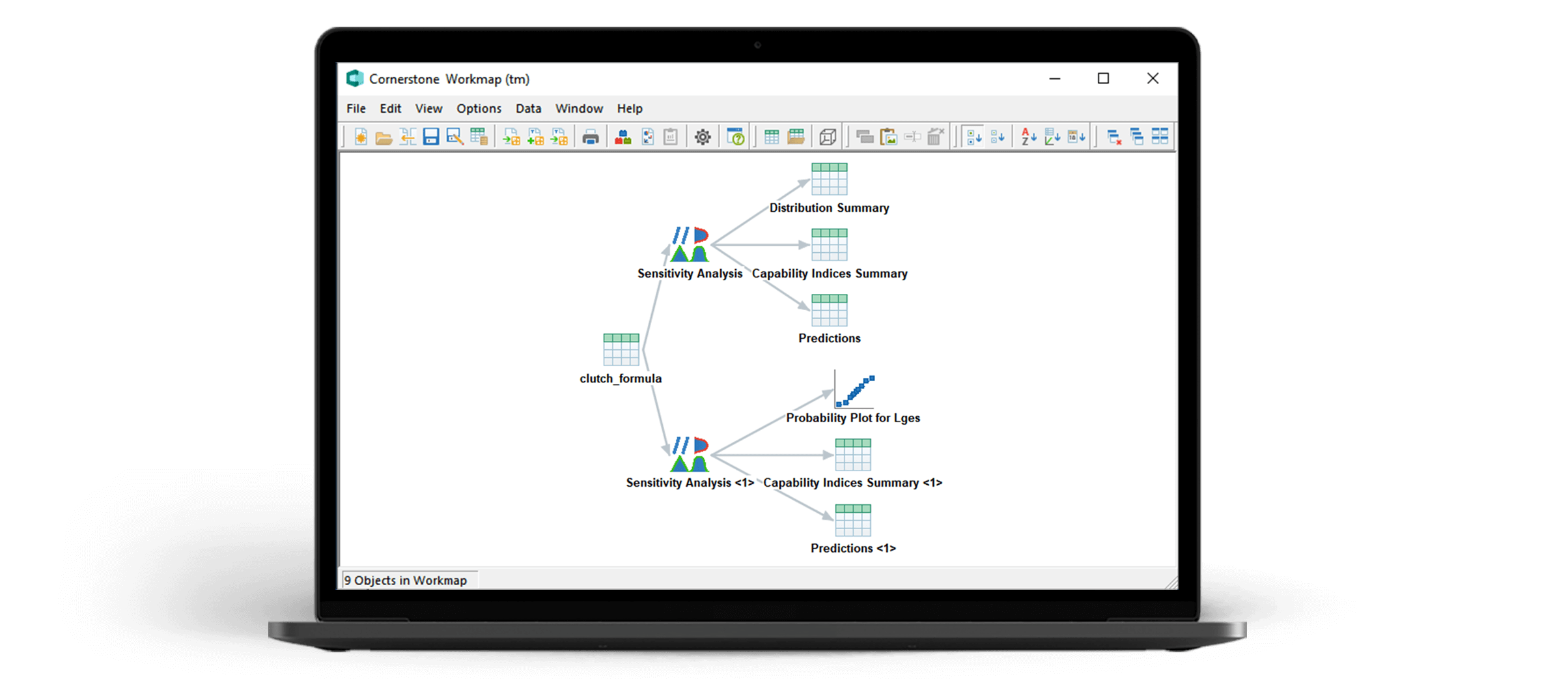
- ProductsMES modules for large-scale production and mass production. Enables the digital transformation of your high-tech manufacturing process.Desktop software for data analysis, developed with engineers in mind. Enhance your team’s ability to carry out technical data analysis.The innovative software for R&D departments, forming the backbone of your knowledge management to help you bring products to market faster.Powerful Manufacturing Execution System (MES) for manufacturers of discrete medical products and medical devices.
- ExpertiseBenefit from the passion and decades of experience that camLine puts into the development of its in-house software solutions every single day. Our expertise enables faster data access, increases process security, and shortens response times and downtimes. Our products are divided into four different brands that support you in all areas, from innovation to production.
- IndustriesOne of the world’s top software solution providers for the semiconductor industry for over 30 years.Optimise your electronics manufacturing with our MES software.Move your production into the fast lane.Top manufacturing solutions for a clean bill of health.Vital system landscape for agile teams, designed for high data throughput.Sunny times: We offer a coordinated solution in the form of MES Solar.Greater efficiency in the development of manufacturing technologies.Plug into digital continuity from technology development to gigafactory.
- Media
Get quick access to all media.
- academy
Discover the wide range of offers with our experts.
Explore interactive e-Learning anytime, anywhere, by yourself.
Not registered yet?
Request your log in here.Our team provides you with unique expert knowledge and know-how. - Career
The world of production is changing rapidly. The question is: What do we contribute to Industry 4.0? The answer is simple: At camLine, we are developing the manufacturing software solutions of tomorrow already today. Be a part of it.
- Contact
Fraunhoferring 9
85238 Petershausen
Germany
Phone: + 49 (0) 8137 935-0
E-Mail: info(@)camLine.comAttention: camLine Support Portal will be unavailable on Friday, April 26, 2024, from 7 PM to 8 PM CEST (GMT+2). In urgent cases, contact us through your dedicated hotline number, +49 8137 6059 989, or info@camline.com.
If you do not have access to your support account, please call camLine at
Phone: + 49 (0) 8137 935-0
or write to
administration(@)camline.comAttention:
camLine Support Portal will be unavailable on Friday, April 26, 2024, from 7 PM to 8 PM CEST (GMT+2). In urgent cases, contact us through your dedicated hotline number, +49 8137 6059 989, or info@camline.com.
Attention:
On Wednesday, April 27, 2022 your dedicated hotline number might not be available. In urgent cases, please call +49 8137 935-0.